Set up payments
Keyforge can integrate with various payment providers to automatically generate, upgrade, and renew licenses. No code or webhook setup needed.
One-time purchases
Accept one-time payments and automatically create licenses.
Subscriptions
Accept recurring payments and link licenses with subscriptions.
Before starting, select the payment provider you're using for a personalized guide.
Keyforge uses Stripe restricted API keys with only the necessary permissions. Secret keys are securely stored and encrypted with AES-256.
Linking licenses with subscriptions
After subscribing to a product through your payment provider, a license is automatically created on Keyforge, and the customer receives an email with their license details.
Make sure you have an account with your chosen payment provider, a recurring product set up there, and a corresponding product on Keyforge.
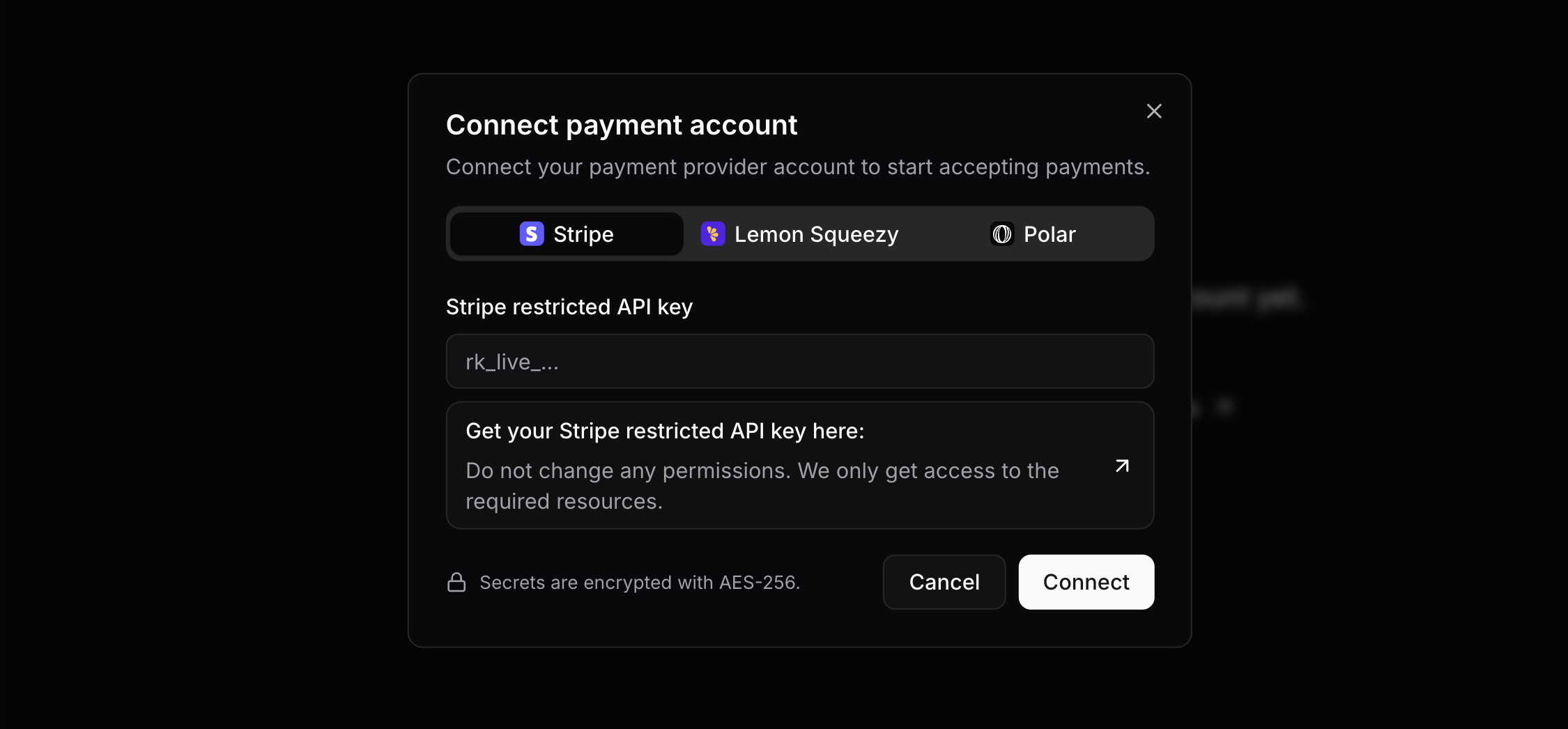
Connect payment account
Go to payment accounts, click on "Connect account", and follow the instructions. A webhook pointing to Keyforge will be automatically created.
One-time Stripe invoices
After connecting your account, go into Settings and enable invoices to generate invoices for one-time checkout sessions created by Keyforge (e.g., license renewals and upgrades). Additional Stripe fees may apply.
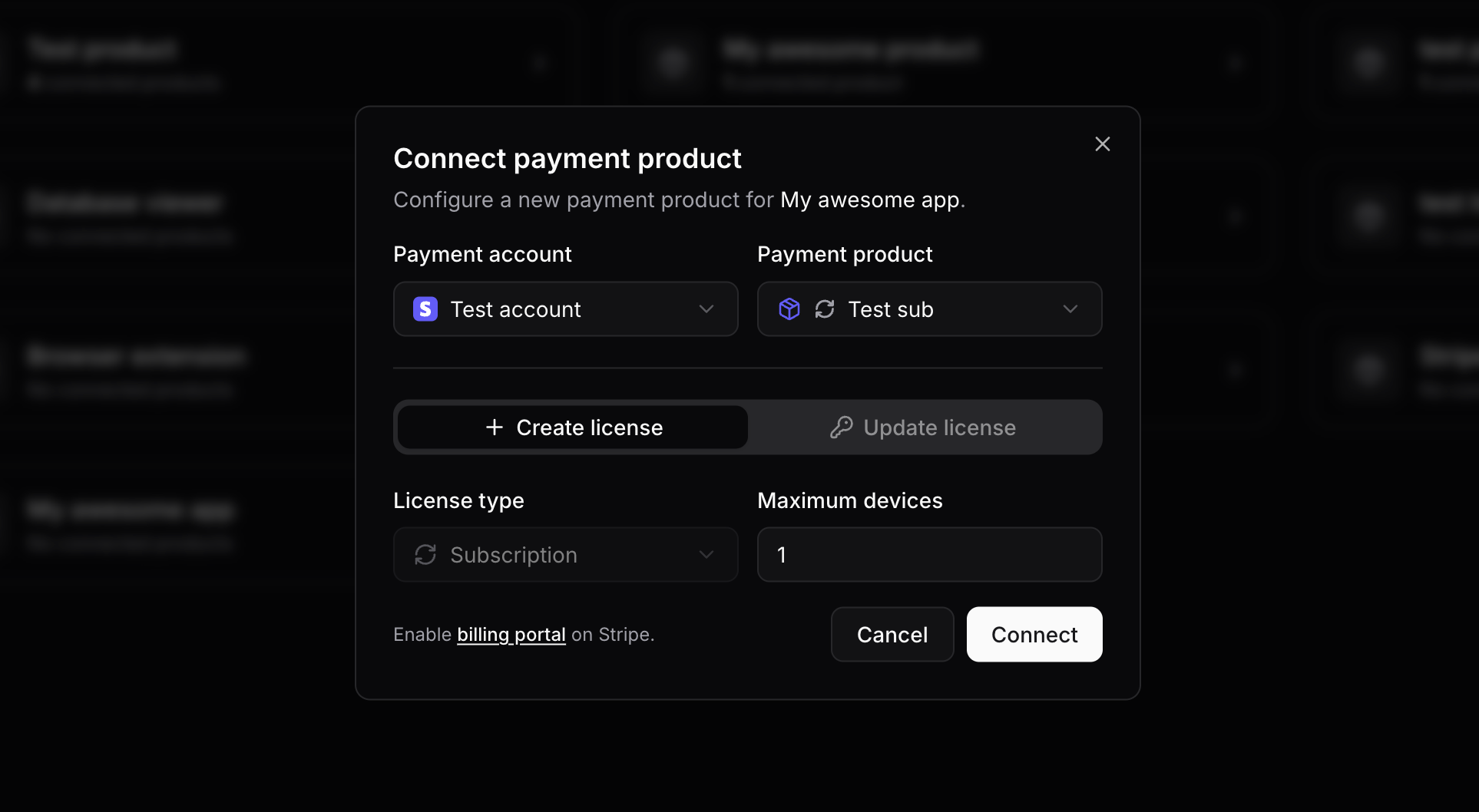
Connect subscription payment product
Go to payment products, click on your Keyforge product, select the corresponding subscription product from your payment provider, and choose the options for created licenses.
Make sure to enable the billing portal on your Stripe account, customers use it to manage their subscriptions.
You're done! 🎉
It's as simple as that! Create a payment link on your provider and start selling. When a customer subscribes to the product, a license will be automatically created on Keyforge and they will get emailed.
Additional information
Managing subscriptions
Changing plans
If customers switch plans in the portal, ensure each plan has a connected corresponding Keyforge product. The license will be updated accordingly.
Plan quantity
For plans with a quantity greater than 1, the license maximum active devices will be multiplied by the quantity.
Disconnecting & unlinking
- Disconnecting a subscription payment product won't stop license updates on renewal.
- To unlink a subscription from a license, do so on the licenses page, but note that the license will no longer update on renewal, and the customer may continue paying.
License expiration
Generated licenses are timed and expire if the subscription isn't renewed. The expiration date updates automatically when an invoice is paid.
Free trials
You can offer free trials by setting them up in your payment provider. No change is needed on Keyforge.